Skip to main content
Freeze Warnings Level 1-3
Alert Receipt:
- You receive an urgent "Freeze Warning Notification" via the Ice Barrel App and Chiller UI, indicating that the water temperature has dropped below 33°F, that water temperature is approaching freezing, risking potential damage. The notification advises monitoring weather forecasts and considering winterization if subzero temperatures are expected.
- SmartSense activates the pump to reduce freeze risk.
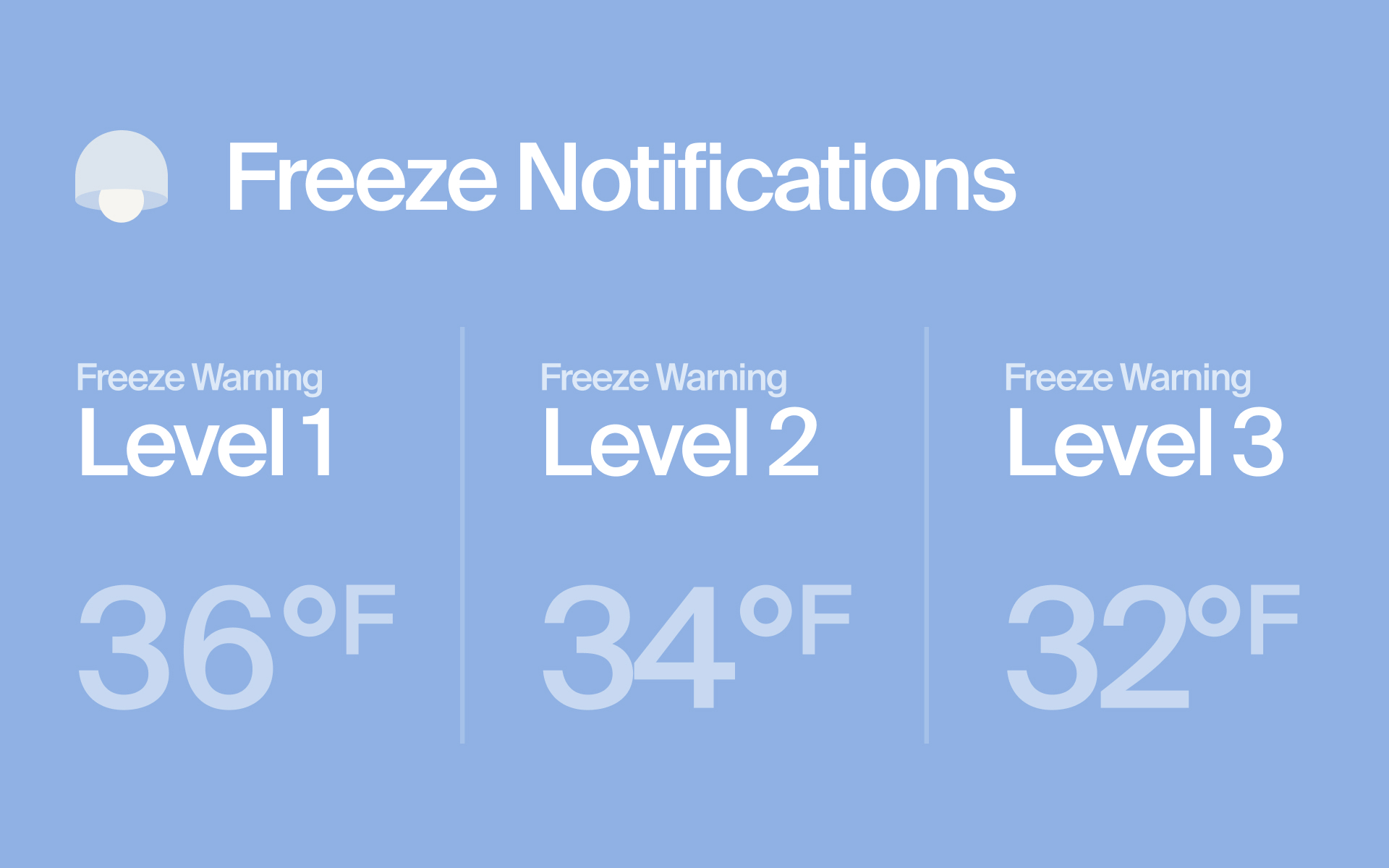
Freeze Warning Level 1 (36°F)
Immediately Winterize the Chiller:
-
- Follow the steps on the “Chiller Winterization” Article to winterize your Chiller immediately
- Shut Down Procedure: Safely shut down the Chiller by powering it off and then shutting off the top and bottom bulkhead water valves on the Ice Barrel to prevent water flow.
-
Disconnecting and Storing the Chiller:
- Hose Disconnection: Disconnect the quick connect hoses, ensuring no water remains in the lines that could freeze and expand, causing damage.
- Relocation: Unplug the Chiller’s power supply and move the unit to a warmer location where ambient temperatures are consistently above freezing to safeguard the system.
-
Persistent and Escalating Alerts:
- Ongoing Alerts: The system will continue to send persistent freeze warnings daily until you confirm the Chiller has been winterized, or until the water temperature is above 36°F.
- Increased Frequency: If the water temperature reaches 34°F, the frequency of critical alerts increases, emphasizing the urgency.
- Critical Compromise: If the temperature reaches 32°F, the risk of a system freeze-over is imminent, necessitating immediate action to winterize.
-
Notification Resolution:
- Automatic Resolution: Once the system is powered back on in an environment where the ambient air and water temperatures are ideal for proper operation, the notification will automatically resolve itself.
- Manual Confirmation: If the ambient air and water temperature conditions are ideal for proper operation and the notification persists, manually clear the "Freeze Warning Notification" via the app or Chiller UI.
-
Post-Winterization Monitoring:
- Temperature Monitoring: Monitor ambient temperatures and only consider reconnecting and restarting the Chiller when conditions are reliably above freezing.
- CX Support: If you need assistance with the winterization process or face challenges during extreme cold conditions, contact Customer Experience (CX) support for guidance and support.
Freeze Warning Level 2 (34°F)
Immediate Winterization Steps:
-
- Follow the steps on the “Chiller Winterization” Article to winterize your Chiller immediately
- Shut Down Procedure: Safely shut down the Chiller by powering it off and then shutting off the top and bottom bulkhead water valves on the Ice Barrel to prevent water flow.
-
Disconnecting and Storing the Chiller:
- Hose Disconnection: Disconnect the quick connect hoses, ensuring no water remains in the lines that could freeze and expand, causing damage.
- Relocation: Unplug the Chiller’s power supply and move the unit to a warmer location where ambient temperatures are consistently above freezing to safeguard the system.
-
Persistent and Escalating Alerts:
- Ongoing Alerts: The system will continue to send persistent freeze warnings every 4 hours until you confirm the Chiller has been winterized, or until the water temperature is above 34°F.
- Critical Compromise: If the temperature reaches 32°F, the risk of a system freeze-over is imminent, necessitating immediate action to winterize.
-
Notification Resolution:
- Automatic Resolution: Once the system is powered back on in an environment where the ambient air and water temperatures are ideal for proper operation, the notification will automatically resolve itself.
- Manual Confirmation: If the ambient air and water temperature conditions are ideal for proper operation and the notification persists, manually clear the "Freeze Warning Notification" via the app or Chiller UI.
-
Post-Winterization Monitoring:
- Temperature Monitoring: Monitor ambient temperatures and only consider reconnecting and restarting the Chiller when conditions are reliably above freezing.
- CX Support: If you need assistance with the winterization process or face challenges during extreme cold conditions, contact Customer Experience (CX) support for guidance and support.
Freeze Warning Level 3 (32°F)
Immediate Winterization Steps:
-
- Follow the steps on the “Chiller Winterization” Article to winterize your Chiller immediately
- Shut Down Procedure: Safely shut down the Chiller by powering it off and then shutting off the top and bottom bulkhead water valves on the Ice Barrel to prevent water flow.
-
Disconnecting and Storing the Chiller:
- Hose Disconnection: Disconnect the quick connect hoses, ensuring no water remains in the lines that could freeze and expand, causing damage.
- Relocation: Unplug the Chiller’s power supply and move the unit to a warmer location where ambient temperatures are consistently above freezing to safeguard the system.
-
Persistent and Escalating Alerts:
- Ongoing Alerts: The system will continue to send persistent freeze warnings every 4 hours until you confirm the Chiller has been winterized, or until the water temperature is above 32°F.
- Critical Compromise: If the temperature reaches 32°F, the risk of a system freeze-over is imminent, necessitating immediate action to winterize.
-
Notification Resolution:
- Automatic Resolution: Once the system is powered back on in an environment where the ambient air and water temperatures are ideal for proper operation, the notification will automatically resolve itself.
- Manual Confirmation: If the ambient air and water temperature conditions are ideal for proper operation and the notification persists, manually clear the "Freeze Warning Notification" via the app or Chiller UI.
-
Post-Winterization Monitoring:
- Temperature Monitoring: Monitor ambient temperatures and only consider reconnecting and restarting the Chiller when conditions are reliably above freezing.
- CX Support: If you need assistance with the winterization process or face challenges during extreme cold conditions, contact Customer Experience (CX) support for guidance and support.